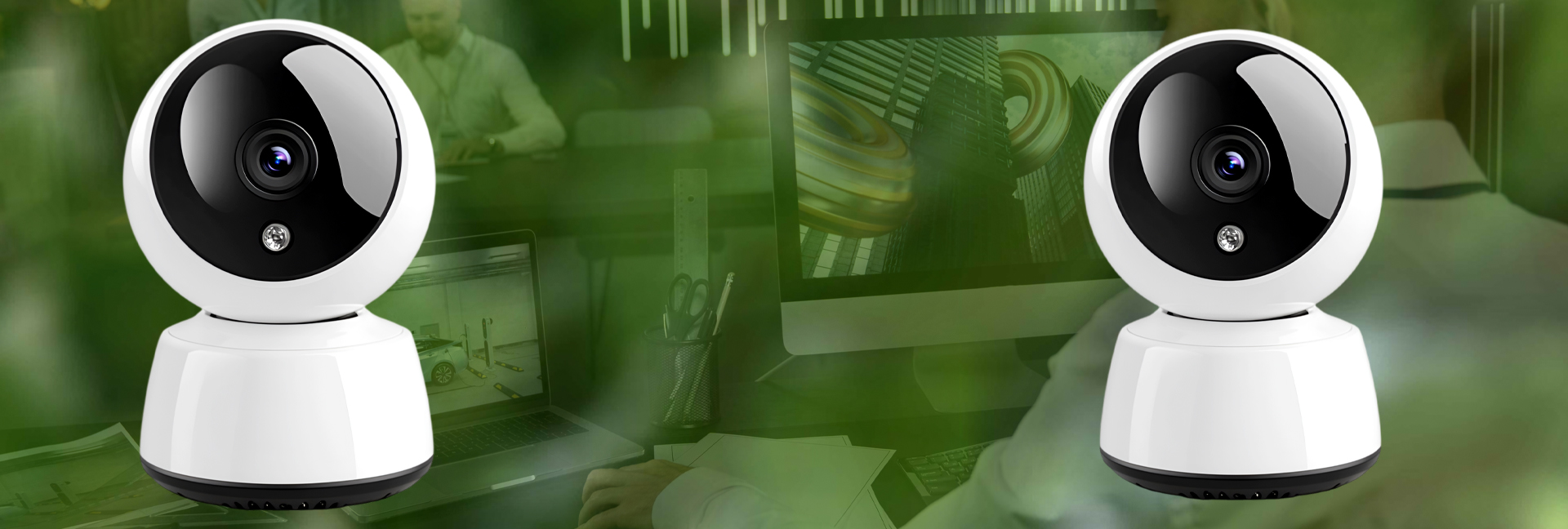
1. Choose the Right Wireless Camera Type
Not all wireless cameras are the same. At Camsecures, we offer a range of highquality models from CP Plus, HIKVISION, Dahua, Godrej, and Think Well that suit
different needs.
- Indoor cameras – Ideal for living rooms, hallways, and entrances
- Outdoor cameras – Weatherproof and night-vision equipped
- Battery-powered wireless cameras – Great for temporary setups or rental properties
- Solar + SIM-based cameras – Perfect for off-grid or remote areas
- Choose based on your coverage area, lighting, and internet availability.
2. Ensure Strong Wi-Fi Connectivity
A stable internet connection is key for smooth performance.
Before installation:
- Check Wi-Fi signal strength at camera locations
- Use Wi-Fi range extenders if needed
- Secure your network with a strong password
- Poor connectivity may result in video lag or missed recordings, so planning this step
ensures seamless 24/7 monitoring.
3. Select the Right Storage Option
Wireless cameras can store footage in several ways:.
- Cloud storage (view recordings remotely)
- MicroSD cards (local storage for short-term use)
- NVR systems (for multi-camera setups)
At Camsecures, we help configure storage that suits your property’s size and data needs — ensuring no footage is ever lost.
4. Position Cameras Strategically
Placement determines how effective your system will be.
Our experts recommend:
- Installing cameras at entry points, driveways, and corridors
- Avoiding direct sunlight or reflective surfaces
- Mounting at 8–10 feet height for best coverage
- Adjusting angles to capture wide views without blind spots
During installation, Camsecures technicians perform a site assessment to identify the most secure and efficient positions for each camera.
5. Test and Monitor After Installation
Once your system is installed:
- Check live feeds on your mobile app
- Test motion detection and alert notifications
- Review recorded footage for clarity
- Adjust settings for night mode and motion zone
Our team ensures full functionality before completing the installation — so you enjoy
worry-free, 24/7 home security.
Why Choose Camsecures for Wireless CCTV Installation?
- Leading brands and certified equipment
- Free on-site assessment and consultation
- Affordable installation packages for homes and apartments
- 24/7 technical support and AMC (Annual Maintenance Contracts)
Secure Your Home with Smart Wireless CCTV
Don’t compromise your family’s safety — switch to wireless CCTV with Camsecures
today.
+91 91541 78179 ||
info@camsecures.com
We’ll help you choose the perfect wireless camera setup and install it professionally
— quickly, securely, and affordably

 info@camsecures.com